Biometrics Authentication: Face ID, Touch ID, and BiometricPrompt in one line
Device biometrics are the easiest security win in modern apps — if the SDKs do not fight you. Here is how we wrapped four native APIs into a one-method Unity plugin.

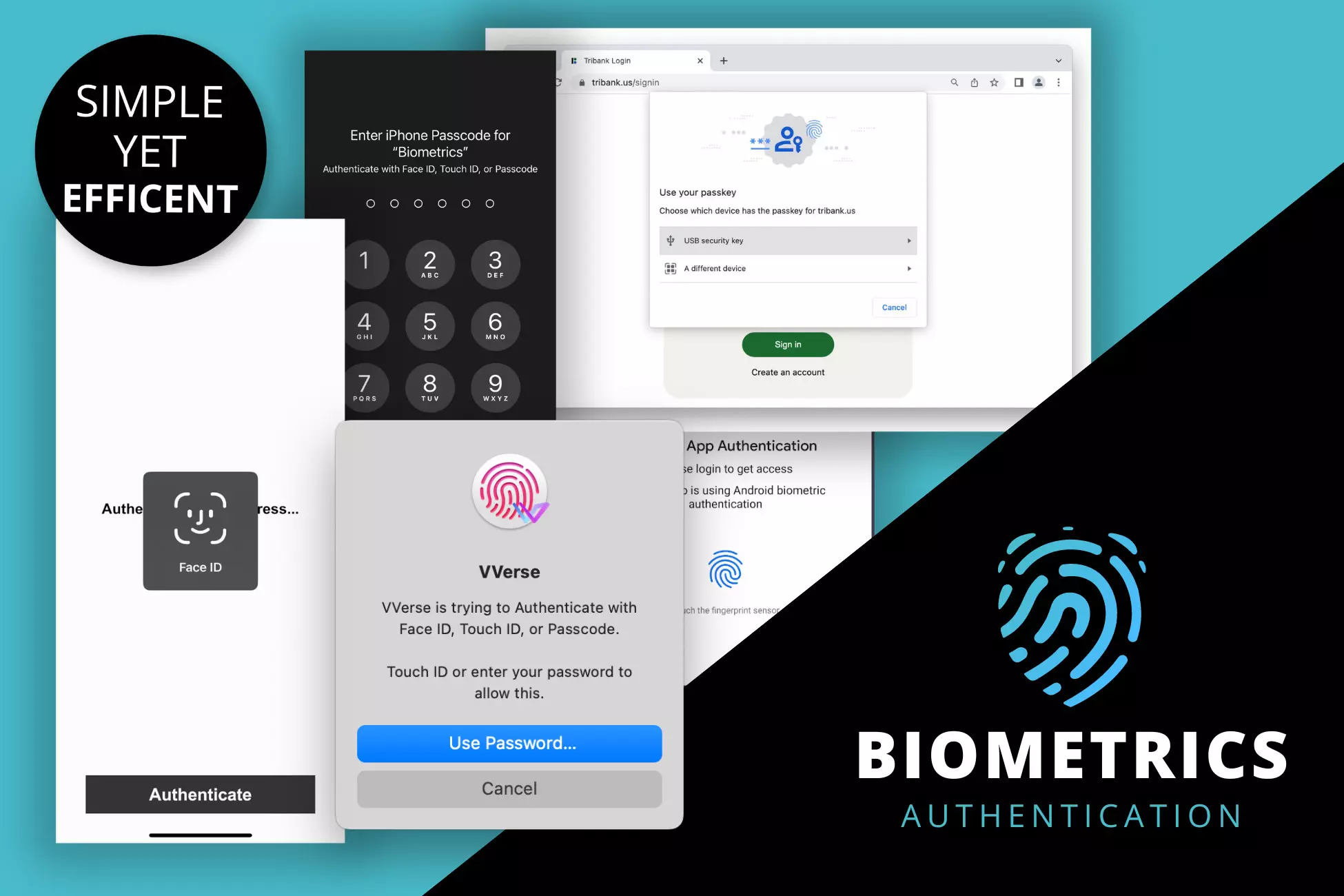
Biometrics are the easiest security win
Passwords are a UX disaster. TOTP codes are marginally better but require another device. Biometrics — Face ID, Touch ID, Android BiometricPrompt — solve the user experience problem in a way nothing else does, because the sensor is already on the device and the OS already trusts it.
If your Unity app protects anything sensitive (save files, payment tokens, in-app purchases, gameplay records in competitive modes) you should be using biometrics. The cost to the user is one tap. The security uplift over a local PIN is substantial.
Why it's still rare in Unity
The native APIs are great. LAContext on iOS / macOS is three lines. Android's BiometricPrompt is a similarly small surface. The problem is the plumbing around the APIs:
- iOS requires
NSFaceIDUsageDescriptionin the Info.plist, and App Store review will reject you if the copy is sloppy. - Android requires the
USE_BIOMETRICpermission and a merged AndroidManifest. - WebGL requires JavaScript glue and a WebAuthn-capable browser.
None of that is hard, exactly. It's just annoying enough to reliably fall to the bottom of the backlog. A year later, your app still doesn't have biometrics.
What the Biometrics Authentication plugin does
One method. Four platforms.
using SyE.BiometricsAuthentication;

Biometrics.Authenticate(
    onSuccess: () => UnlockSaveSlot(),
    onFailure: () => ShowPinFallback(),
    reason: "Confirm it's you to export your save."
);
Under the hood:
- On iOS / macOS,
LAContextruns withLAPolicyDeviceOwnerAuthenticationWithBiometrics. - On Android,
BiometricPrompton API 28+,FingerprintManagerfallback on 23–27. - On WebGL, WebAuthn where the browser supports it.
onFailurefires cleanly otherwise, so you can wire a password fallback without detecting browsers yourself.
The package takes care of:
- adding
NSFaceIDUsageDescriptionto the generated Xcode project (you can override the string if needed), - adding
USE_BIOMETRICto your AndroidManifest at build time, - dropping the WebAuthn bridge into
Plugins/WebGL/, - exposing
Biometrics.IsSupported()so you can hide the button on devices that can't authenticate.
Where biometrics are not the right tool
A common anti-pattern: using Biometrics.Authenticate to encrypt data. The plugin deliberately doesn't do this. All Authenticate does is ask the OS whether the device owner is present. On success, you decide what that unlocks — typically a cached refresh token, a local Keychain / Keystore secret, or a UI state change in a purely local app.
If you want secrets bound to the biometric factor itself (so they're recoverable only when biometrics are re-enrolled), that's a different problem and requires Keychain / Keystore integration. We keep that out of the plugin so it stays a small, auditable surface.
Get it
Biometrics Authentication on the Unity Asset Store — $4.99, one-time, no subscription. Source on GitHub.
If you ship anything sensitive in Unity and you've been putting off biometric auth because of the native plumbing, this is the tax you can pay for a Friday afternoon and be done with.